

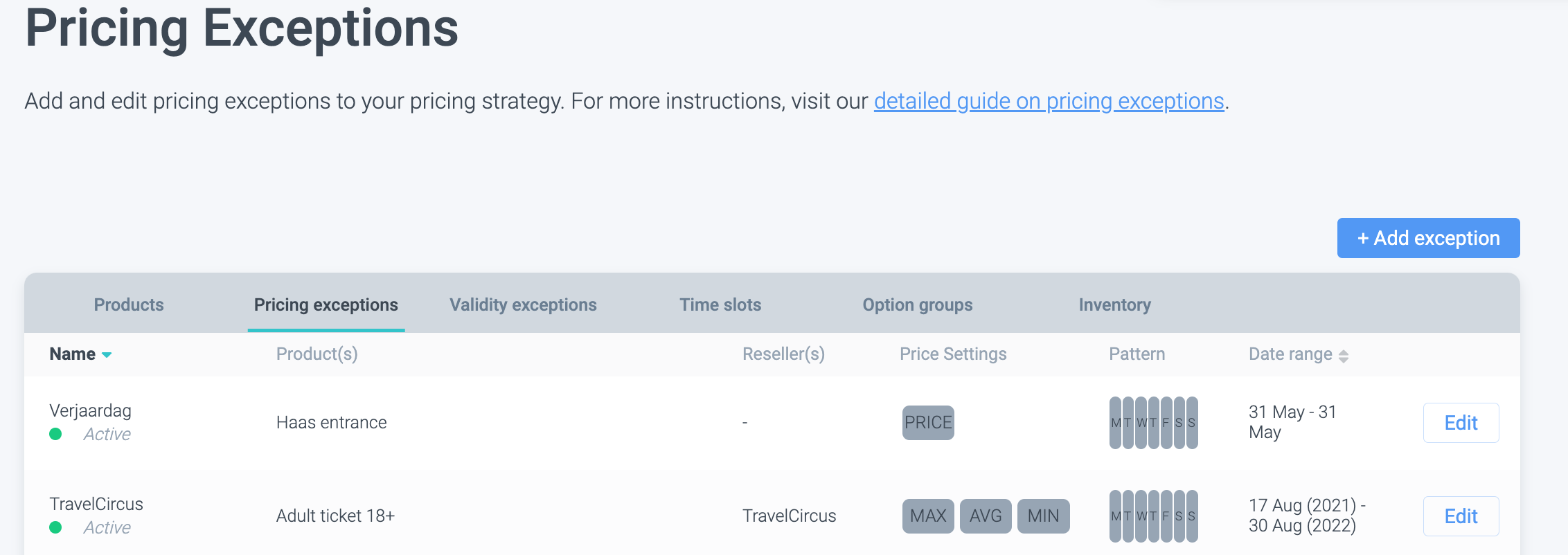
Check your pricing exceptions
If you are using Real-Time Pricing, pricing exceptions will override it.
Check your Global Pricing Settings
Read more here on how the algorithm is affecting your prices.
Also, try these steps:
2. Test the ticket shop in an incognito (private) window
3. Test Convious in a different browser
4. Check (and update) your browser version
5. Try a different WiFi network or switch to mobile data
Have you checked everything and product(s) is/are still not visible in the Convious ticket shop? Contact us support@convious.com